Todo List & Subtasks
After switching to "Todos" on the Tasks page, you'll see the todo list. This page focuses on how the list is organized, item actions, and how to use subtasks.
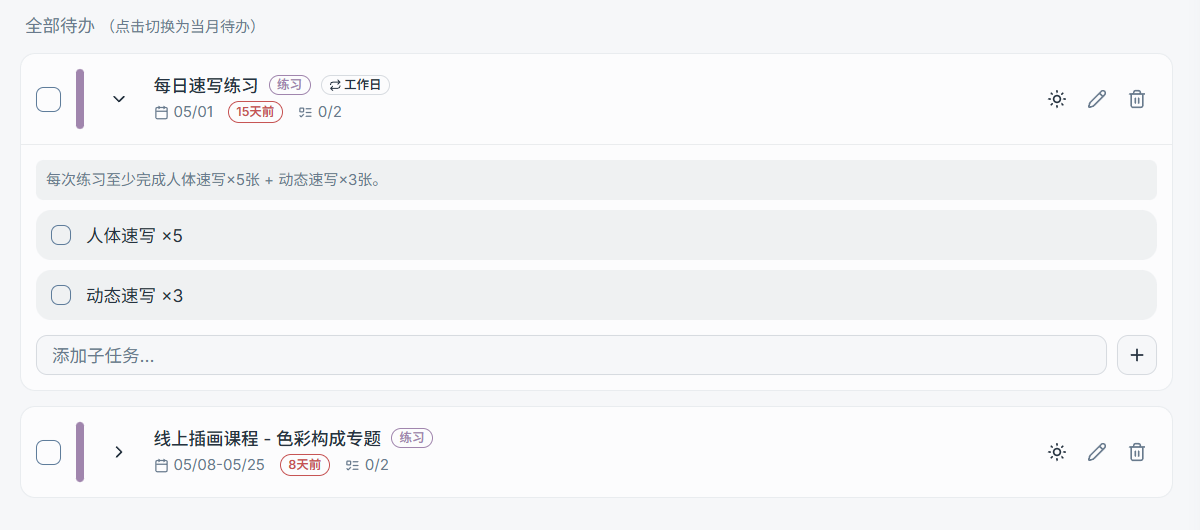
1) List Scope: All Todos / This Month's Todos
The top of the todo list supports switching between two scopes:
- All Todos: View all incomplete todos (including those with no date)
- This Month's Todos: Only show todos within the current month, helping you focus on upcoming items
Tip:
- This is a "display scope" toggle — it does not modify the todo's actual data.
2) Tag Filters & "Manage Tags"
Tag pills are typically shown above the list (e.g., "All / No Tags / a specific tag"), for quick filtering.
- All: No filter, show all todos
- No Tags: Show only todos with no tags
- A specific tag: Show only todos that include that tag
- Manage Tags: Open "Todo Tag Management" to edit colors, confirm deletions, etc.

3) Common Todo Item Actions
A todo item typically includes the following interactions (specific icons may vary slightly by version):
- Complete / Uncomplete: Click the circular checkbox on the left
- Color indicator: The todo's color uses the color of the first tag
tags[0](neutral color if no tags) - Add to / Remove from Today's Todos: Include this todo in the "Today's Schedule" area for focused execution
- Edit: Modify the title, tags, date, recurrence, subtasks, etc.
- Delete: Delete this todo
Tip:
- Todos marked as "Completed" are hidden from the todo list by default (to avoid taking up space); you can still view them in the calendar or through relevant filters.
4) Subtasks
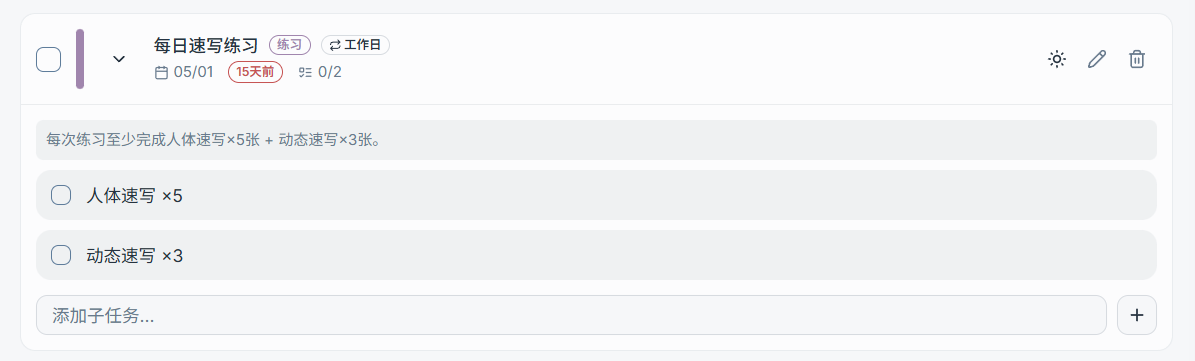
When a todo can be broken down into smaller steps, you can use subtasks:
- Add subtasks when editing the todo
- Subtasks can be checked off individually
- Ideal for breaking "one todo" into 2–10 actionable small steps
Tip:
- If a todo has grown into "dozens of steps that need progress and time tracking," it's better suited to be upgraded to a "Task + Nodes."