Tags (Task Tag)
Tags provide more flexible categorization and filtering within "Tasks." Task tags and todo tags are two separate datasets and are never mixed.
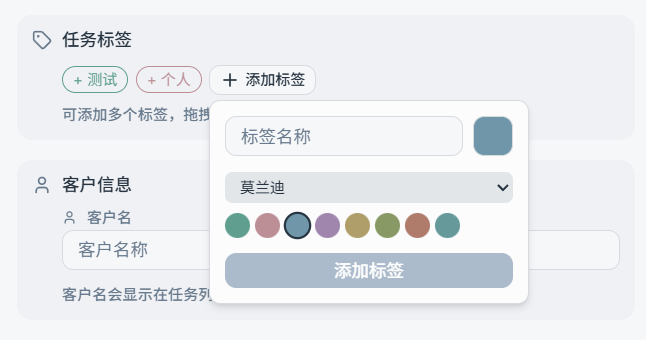
Basic Rules
- Tags with the same name are treated as the same tag: No duplicate tags with the same name are created (case-insensitive).
- A task can have multiple tags, and their order matters: when "Show task color by tag color" is enabled, the task color uses the color of
tags[0](the 1st tag).
How to Add Tags to a Task
Common methods:
- Select or create tags in the New / Edit task dialog
- Use batch actions to append tags to a group of tasks at once
Managing Tags
In the "Manage Tags" window, you can:
- View all task tags (displayed even if no tasks are currently using them)
- Change tag colors
- See how many tasks use each tag (e.g.,
test tag (5)) - Delete a tag: a confirmation dialog will appear, showing "n tasks are currently using this tag"
Tip: Treat tags as "long-term, stable classification dimensions" — for example: client type, work type, project series, etc.