App Usage Statistics: Settings
The Settings page is for configuring data collection rules and data maintenance. It is primarily for desktop app (Electron) users.
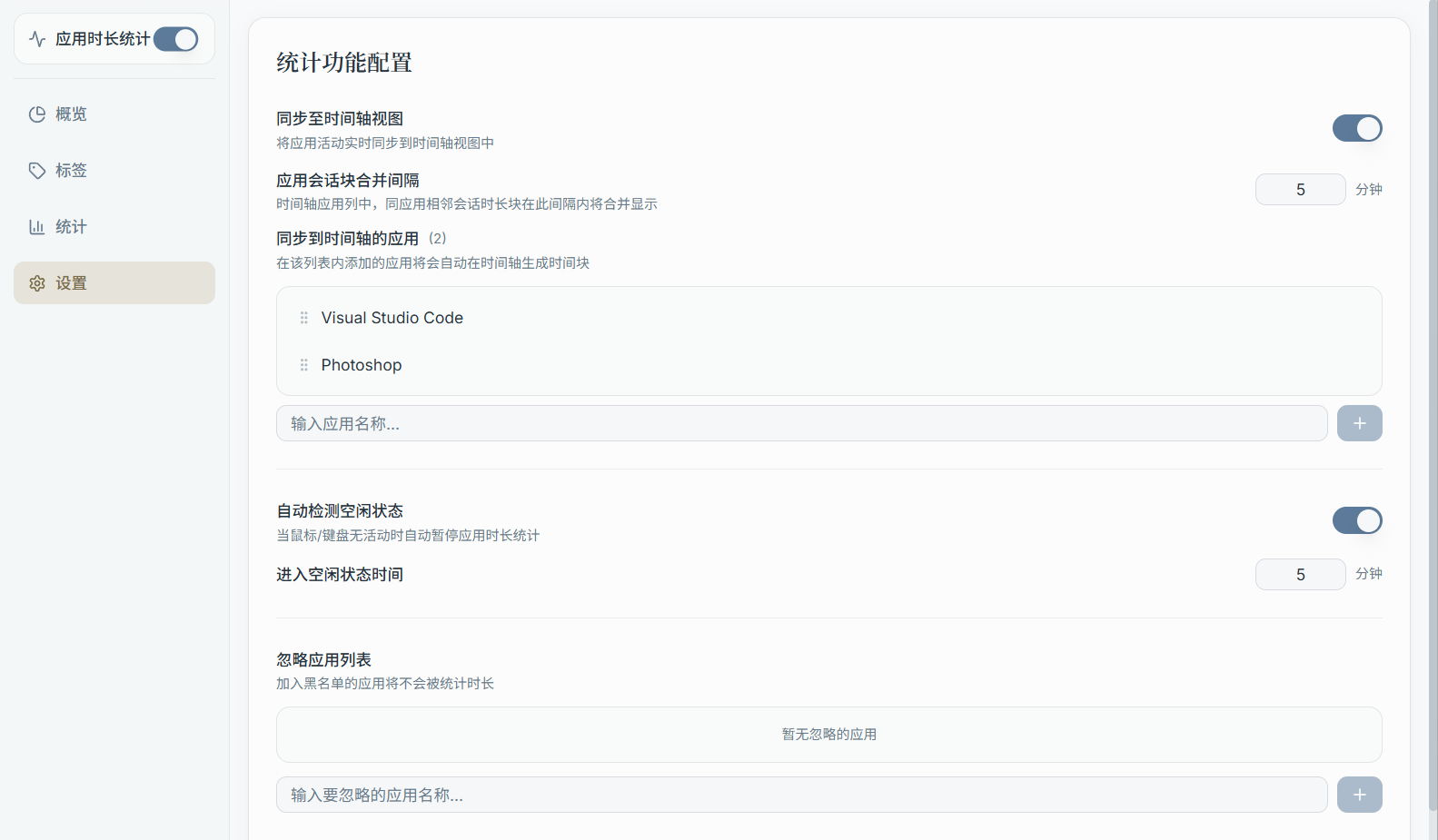
1) Idle Detection
When you haven't used your keyboard or mouse for an extended period, the app can treat that time as "idle" to avoid attributing time away from your computer to a particular app.
The Settings page typically provides:
- Idle threshold (e.g., N seconds/minutes without input)
- How idle time is handled (depends on the version)
2) Ignored Apps List
Some apps you may not want tracked (e.g., input method software, background system utilities).
The Settings page typically lets you:
- Add/remove app names from the ignore list
- Clear the entire ignore list at once
3) Clear Statistics Data (Destructive Action)
You can clear app usage data for a specific time range or all data at once.
Note:
- Cleared data is generally not recoverable (unless you have server-side backup/restore capability)
- It's recommended to only use this when you've confirmed an issue with your stats logic or tag configuration