System (Desktop Only)
Settings → System is only visible on the desktop app (Electron) and is used to configure operating system-related behaviors.
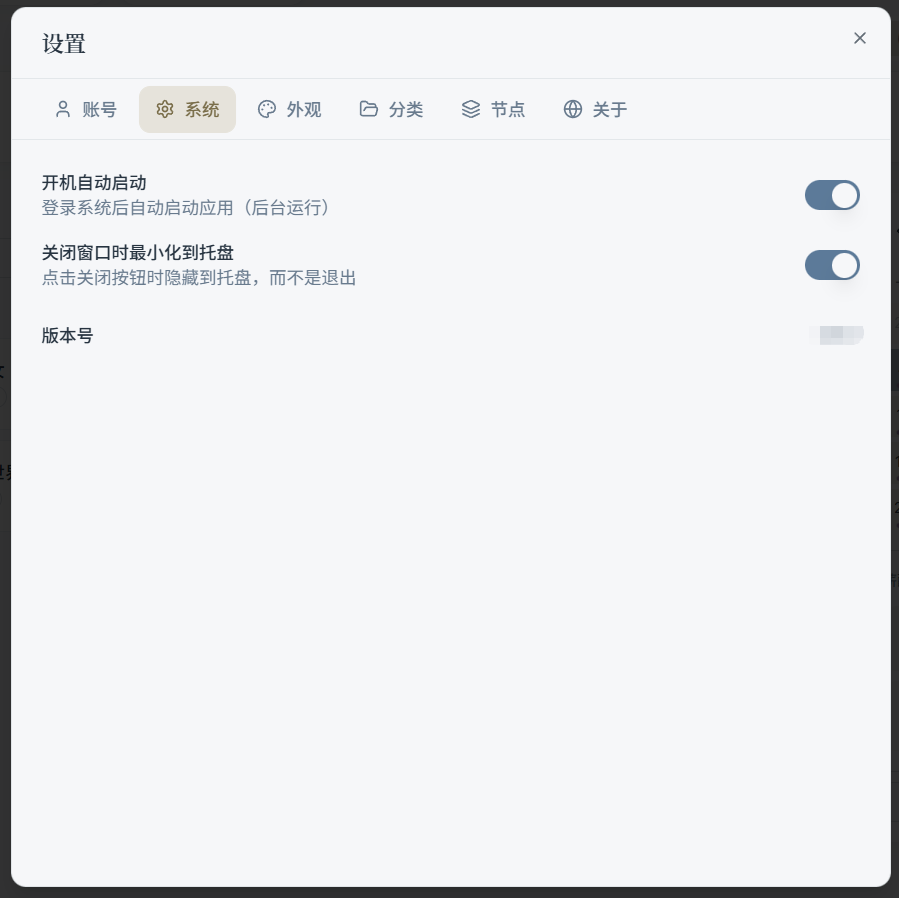
1) Launch at Startup
When enabled, IlluTask will automatically start after you log into the system (typically runs in the background). Useful for users who want app usage statistics and the timer to always be running.
2) Minimize to Tray on Close
When enabled, clicking the close button (X) on the window will:
- Not actually quit the app
- Hide it to the system tray, where it continues running in the background (e.g., for timing and usage tracking)
3) Version Number
The current app version number is displayed at the bottom of the System page. It's recommended to include this when troubleshooting issues or reporting bugs.