Settings Overview
"Settings" is used to manage IlluTask's appearance, category and node presets, account information, and (on desktop) system-related behaviors.
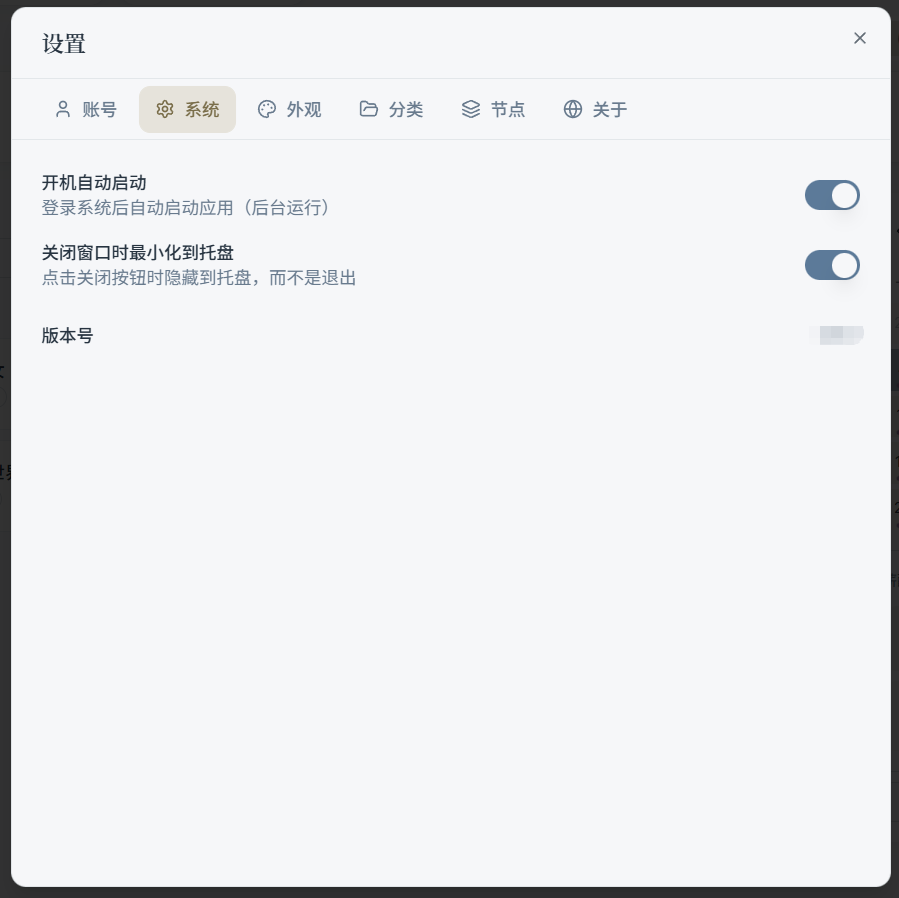
Top Tab Descriptions
The Settings window has several tabs at the top (may vary slightly by platform):
- Account: Nickname, email, password, sign out, etc.
- System (desktop only): Launch at startup, minimize to tray, version number, etc.
- Theme: Color theme, minimal mode, presentation mode, custom themes and palettes
- Categories: Category colors, sort order, rate units, multi-currency, etc.
- Nodes: Node presets (for quickly generating task nodes)
Related Features
- App Usage Statistics: Has its own "Settings" tab on the "Statistics" page (idle detection, ignored apps, clear data, etc.)
- Mini Timer: A desktop-exclusive floating timer window; see the "App Usage Statistics" section for details
For more, select a topic in the left sidebar.