Account (Settings)
Settings → Account is used to manage your login credentials and basic profile.
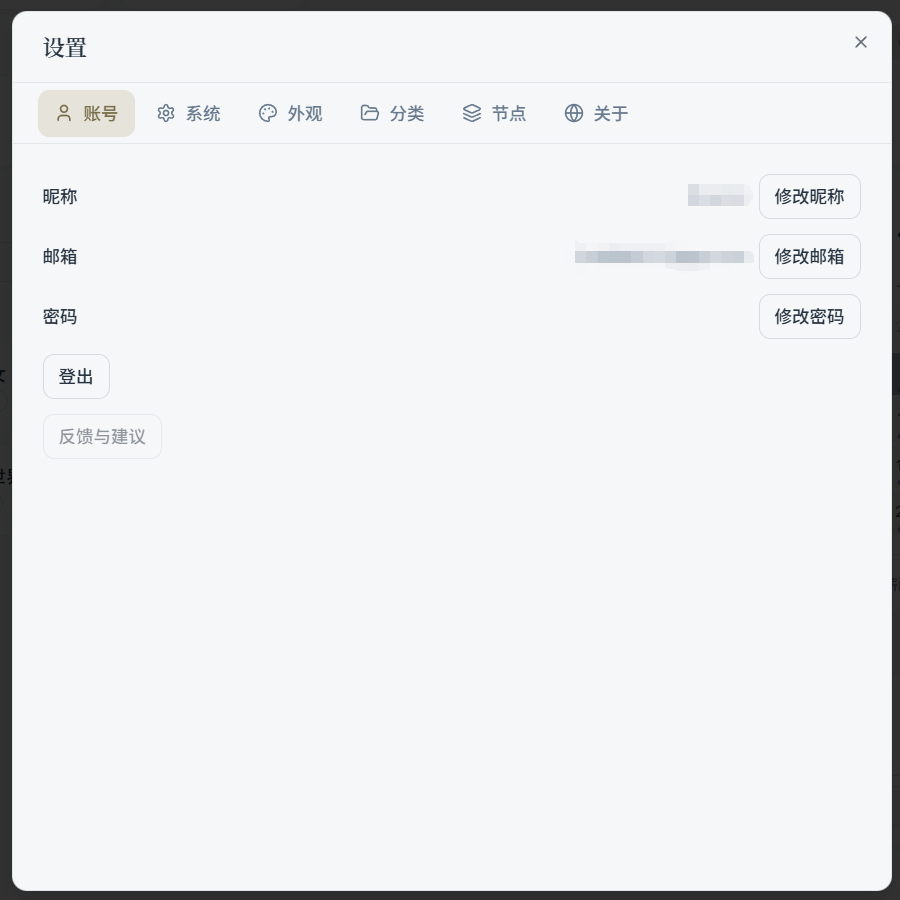
1) Nickname
- Displayed within the app (e.g., in the top bar, admin panel, etc.)
- Click "Change Nickname," enter the new name, and save
2) Email
- Shows your currently linked email address
- Click "Change Email" to start the re-binding process (verification required)
3) Password
- Click "Change Password" to start the reset / change process
4) Sign Out
If you encounter an abnormal login state, or need to switch accounts, you can sign out here and then sign back in.